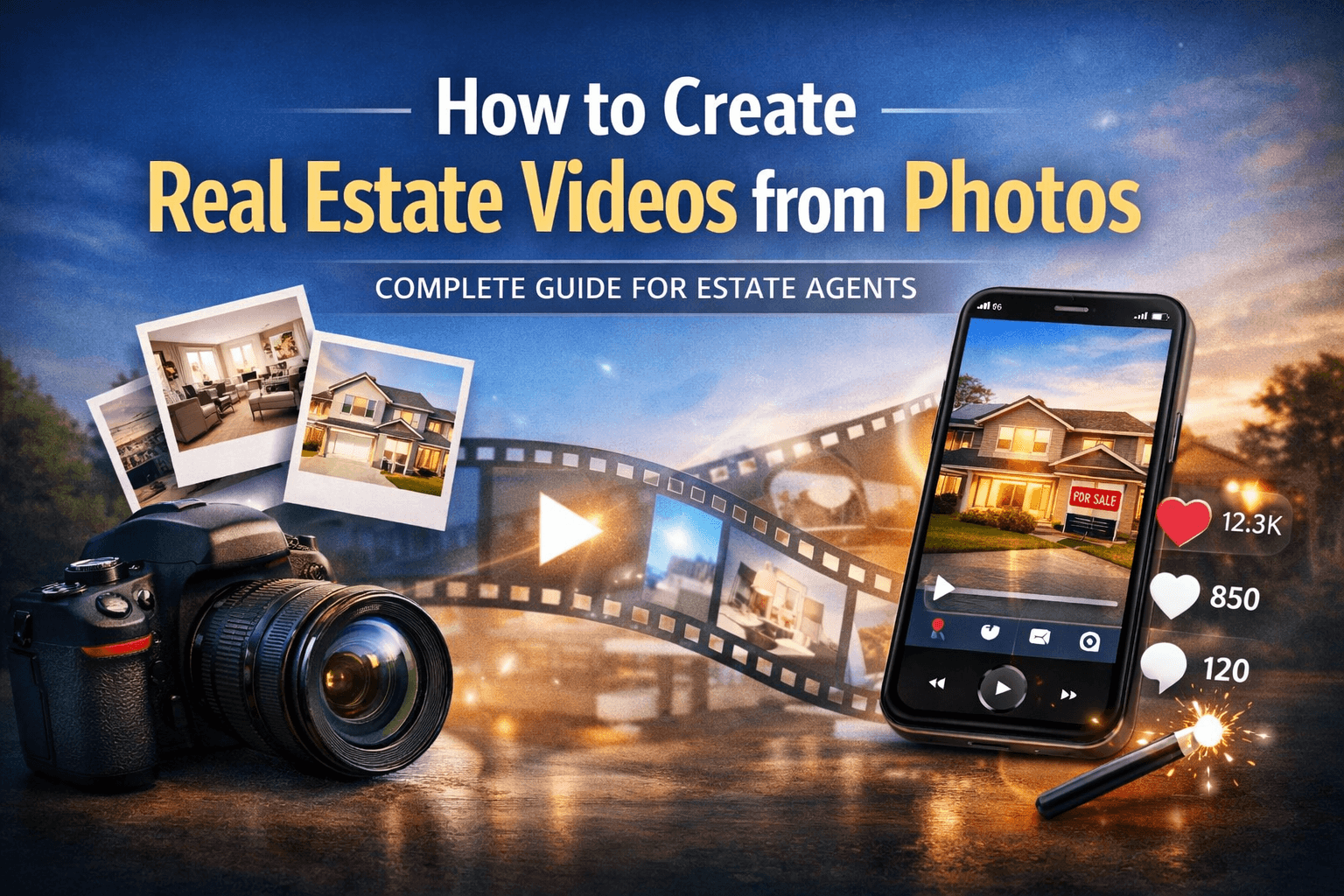
Learn how to produce eye-catching real estate listing videos using free AI tools. Perfect for real estate agents looking to enhance their listings.
Sophie
Featured
How to Create Stunning Real Estate Listing Videos Using Free AI Software
Creating compelling real estate listing videos can significantly enhance your property listings and attract potential buyers. With advancements in AI technology, you no longer need expensive software or extensive video editing skills to produce stunning videos. In this guide, we will explore how to utilize free AI software tools to create captivating real estate listing videos that can elevate your marketing efforts.
Summary
Use free AI tools to create stunning real estate listing videos that engage potential buyers and showcase properties effectively. This guide provides practical steps and tool recommendations.
Understanding the Importance of Real Estate Listing Videos
Videos are crucial in the real estate market for several reasons:
Visual Appeal: Videos bring properties to life, showcasing features that static images cannot convey.
Increased Engagement: Listings with videos have been shown to receive more views and inquiries.
Better Communication: Videos allow agents to communicate effectively the property’s features and the surrounding community.
Why Use Free AI Software?
Using free AI software to create your real estate listing videos has several advantages:
Cost-Effective: Save money compared to paid video editing software.
User-Friendly: Many tools are designed for users with little to no technical skills.
Time-Saving: AI tools can automate many editing processes, making video creation faster.
Step-by-Step Guide to Creating Your Real Estate Listing Video
1. Gather Your Materials
Before diving into video creation, gather the following:
High-quality images of the property
A script highlighting key features
Any additional media (e.g., drone footage, neighborhood clips)
2. Choose the Right Free AI Software
Here are some popular free AI video makers that can help you create stunning real estate videos:
Software Name | Key Features | Limitations |
|---|---|---|
Canva | User-friendly, templates available, image/video editing | Limited video length, basic features in free version |
Lumen5 | Converts text to video, customizable templates | Watermark on free version, limited media library |
InVideo | Pre-made templates, stock footage, music library | Limited exports in free plan, watermarks |
Animoto | Drag-and-drop interface, customizable templates | Limited features without upgrade, branding on free videos |
3. Create a Storyboard
Outline your video by creating a storyboard. This helps you visualize how your video will flow. Consider the following elements:
Opening Scene: Introduce the property with an engaging hook.
Property Highlights: Showcase key features through visuals and narration.
Call to Action: Encourage viewers to contact you for more information.
4. Edit Your Video Using AI Tools
Upload Your Images and Videos: Import your media into the chosen software.
Add Text and Effects: Use text overlays to highlight features like square footage, number of bedrooms, and unique selling points.
Incorporate Music: Choose background music that complements the mood of the property.
Utilize AI Features: Leverage AI tools for automatic scene transitions and enhancements.
5. Review and Export Your Video
Once your video is complete, review it for clarity and flow. Ensure that:
The narrative matches the visuals.
There are no spelling errors in text overlays.
The video maintains a professional tone.
After final adjustments, export your video in a suitable format for sharing.
Best Practices for Real Estate Listing Videos
Keep It Short: Aim for a 1-3 minute video to maintain viewer engagement.
Highlight Unique Features: Focus on what makes the property special.
Include Local Insights: Brief mentions of local amenities can add value.
Optimize for Mobile: Ensure your video plays well on mobile devices, as many users browse listings on their phones.
Key Takeaways
Use free AI software to create engaging real estate listing videos.
Gather quality images and develop a clear storyboard before editing.
Keep videos concise and focused on key property features.
Optimize videos for mobile viewing and include local insights.
Review your video before sharing to ensure quality and professionalism.
FAQs
1. Can I really create professional-looking videos with free tools?
Yes, many free AI video editing tools provide templates and features that help create high-quality videos without needing advanced skills.
2. How long should a real estate listing video be?
Aim for a duration of 1-3 minutes to keep viewers engaged while providing all necessary information.
3. What are the best platforms to share real estate listing videos?
Consider sharing your videos on social media platforms like Facebook, Instagram, and YouTube, as well as on your real estate website.
4. Do I need a script for my video?
Having a script can help convey your message clearly and ensure you highlight all key features of the property.
5. Is there a learning curve with these AI tools?
Most free AI video editing software is designed to be user-friendly, with many offering tutorials to help you get started quickly.
By harnessing the power of free AI software, you can create stunning real estate listing videos that set your properties apart and attract potential buyers. BetterSpace offers a seamless way to transform your static photos into dynamic videos, ensuring your listings shine in a competitive market.
Relevant posts