Explore a detailed comparison of top real estate video editing software to find the best fit for your needs.

Sophie
Featured
Introduction
In the competitive world of real estate, high-quality video content can significantly enhance property listings, engage potential buyers, and elevate an agent's brand. With numerous video editing software options available, selecting the right one can be daunting. This article provides a thorough comparison of popular real estate video editing software, helping you choose the best fit for your needs.
Quick Summary: This comparison of real estate video editing software highlights key features, pricing, and suitability for agents, helping you make an informed choice.
Why Video Editing Software Matters for Real Estate
Video editing software is crucial for real estate agents aiming to create engaging property showcases. Effective videos can:
Capture attention quickly
Highlight property features dynamically
Convey the essence of a home in a way photos alone cannot
Enhance social media presence and attract more viewers
Key Features to Consider
When evaluating video editing software, consider the following features:
User-Friendliness: Intuitive interfaces save time and reduce the learning curve.
Templates and Customization: Pre-built templates help streamline video creation while allowing personalization.
Export Options: Check formats and resolutions suitable for various platforms.
Cost: Compare pricing models, including subscription versus one-time payments.
Support and Resources: Look for customer support and educational resources like tutorials.
Comparison of Top Real Estate Video Editing Software
To help you make an informed decision, here’s a structured comparison of the leading video editing options:
Software Name | User-Friendliness | Key Features | Pricing | Best For |
|---|---|---|---|---|
WeVideo | High | Cloud-based, collaboration tools | $15/month | Team collaborations |
Adobe Premiere Pro | Moderate | Advanced editing, effects | $20.99/month | Professional videographers |
Animoto | Very High | Drag-and-drop interface | $33/month | Quick video creation |
Filmora | High | Effects library, easy export | $69.99/year | Beginners |
BetterSpace.ai | High | Photo to video transformation | Custom pricing | Real estate agents |
In-Depth Review of Each Software
1. WeVideo
WeVideo is a cloud-based solution that excels in collaborative projects. Its intuitive interface allows users to edit videos easily, making it ideal for teams working on real estate listings together.
2. Adobe Premiere Pro
As one of the industry standards, Adobe Premiere Pro offers extensive editing tools and capabilities. However, its complexity may require a steeper learning curve, making it better suited for professionals.
3. Animoto
Animoto is renowned for its simplicity, allowing users to create videos quickly with a drag-and-drop interface. It’s particularly effective for real estate agents needing to produce videos in a short timeframe.
4. Filmora
Filmora provides a robust set of features with a user-friendly interface. It’s suitable for beginners but also offers advanced functions for those looking to refine their editing skills.
5. BetterSpace.ai
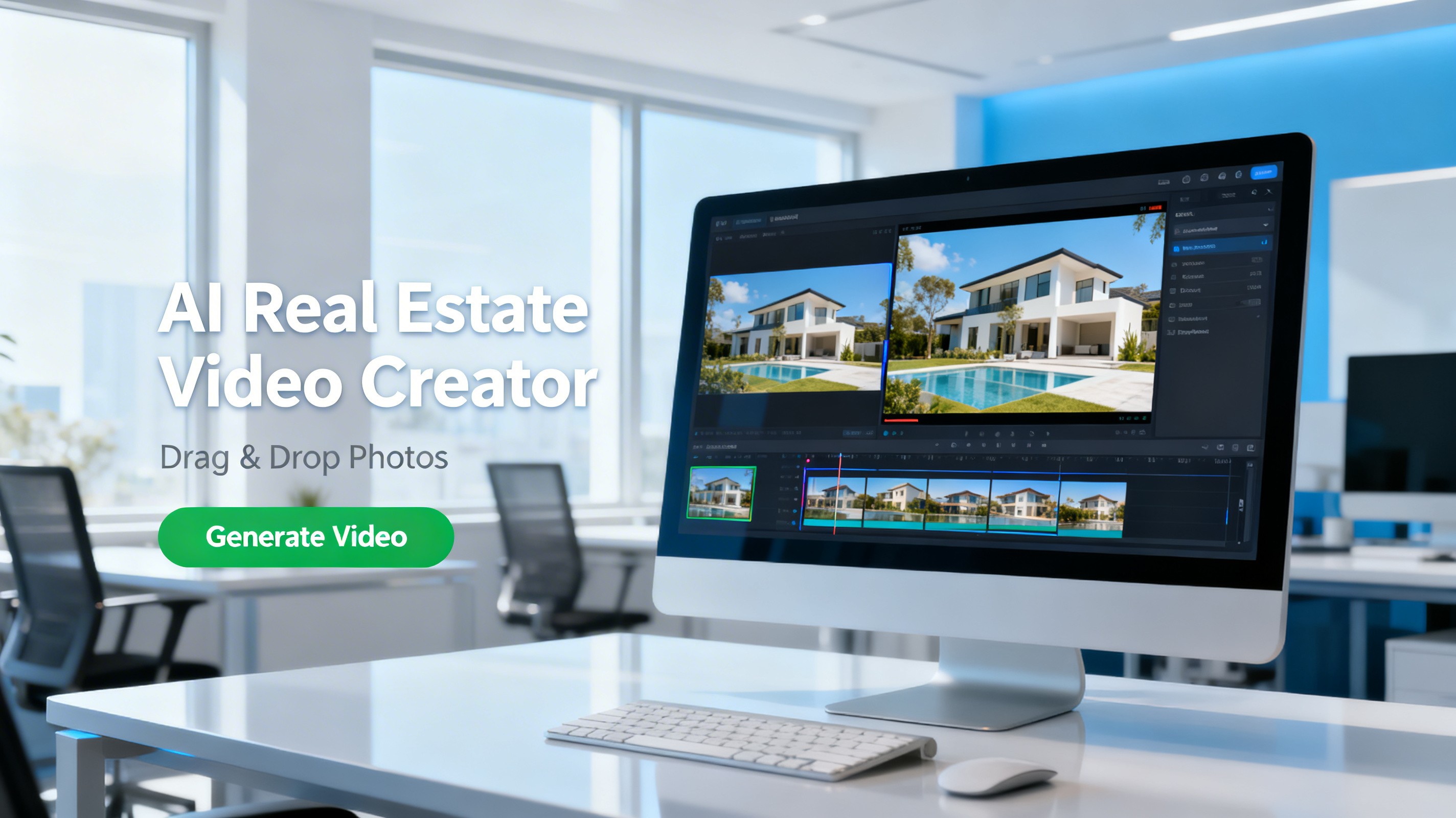
BetterSpace.ai specializes in transforming static photos into dynamic videos tailored for social media. Its unique capabilities make it particularly advantageous for real estate agents seeking to enhance visual marketing.
Key Takeaways
Video editing software enhances real estate marketing efforts.
User-friendliness and specific features are critical for effective use.
Each software option serves different needs, from novice to professional.
BetterSpace.ai offers a unique solution for real estate agents.
Pricing structures vary widely; choose what aligns with your budget.
FAQ Section
Q1: What is the best video editing software for real estate?
A1: The best software depends on your specific needs. For ease of use, Animoto is excellent, while Adobe Premiere Pro offers advanced capabilities for professionals.
Q2: How much does video editing software typically cost?
A2: Costs can range from free versions to subscriptions around $20-$33 per month, depending on features and capabilities.
Q3: Can I create videos without prior editing experience?
A3: Yes, many software options like Filmora and Animoto are designed for beginners, with user-friendly interfaces and templates to guide you.
Q4: What features should I prioritize?
A4: Focus on user-friendliness, available templates, and export options that suit your intended platforms for sharing your videos.
Q5: Is BetterSpace.ai worth the investment for real estate agents?
A5: Yes, BetterSpace.ai is particularly beneficial for real estate agents wanting to create engaging videos from photos, making their listings stand out online.