What Is AI Virtual Staging for Real Estate Agents? Benefits, Costs, Disclosure Rules, and What to Check Before Publishing
A practical guide to AI virtual staging for agents, including benefits, costs, disclosure expectations, and a pre-publish review workflow.
· Sophie
AI Real Estate Workflows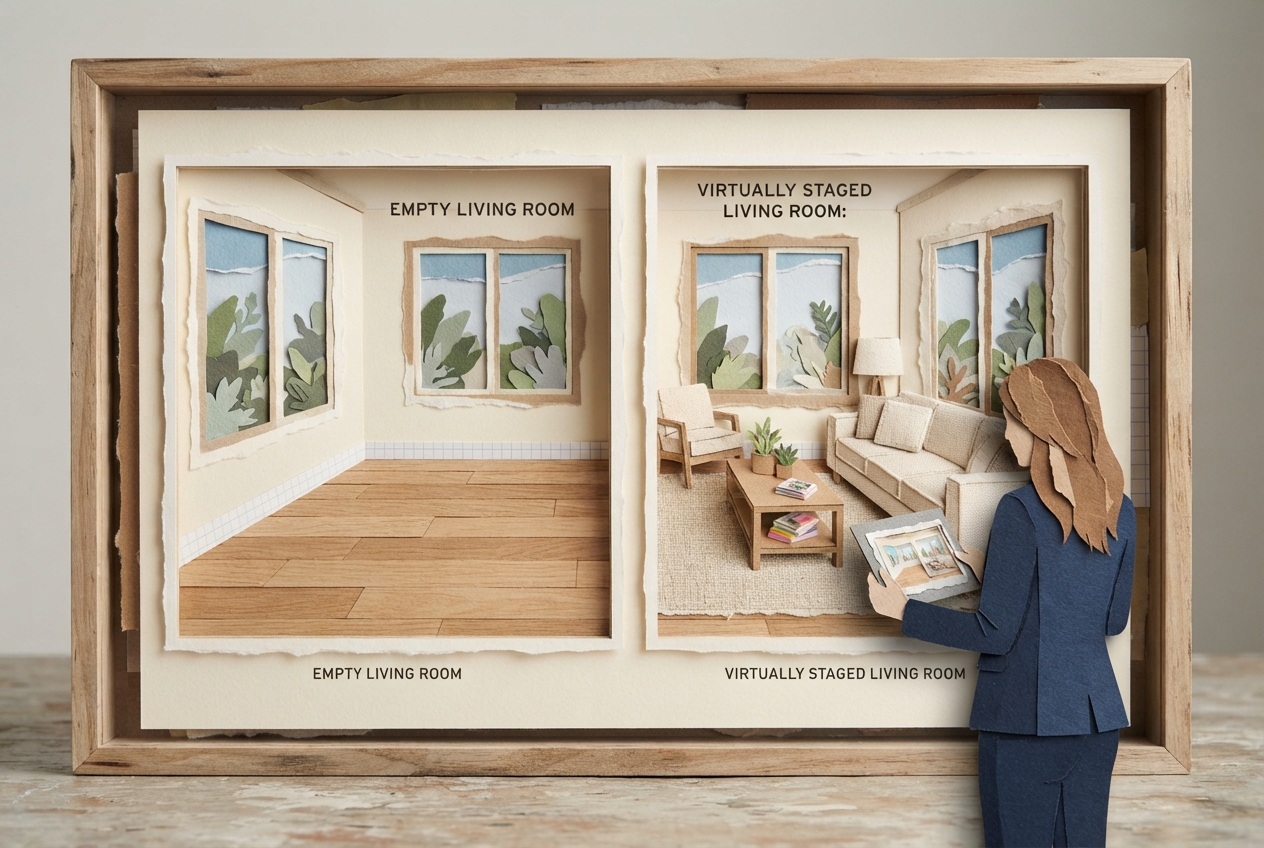
What Is AI Virtual Staging for Real Estate Agents?
An empty room can make a buyer scroll past in two seconds. AI virtual staging real estate agents can change that in roughly 30 seconds by turning a vacant photo into a furnished, listing-ready visual that helps buyers understand scale, flow, and possibility.
AI virtual staging is the use of artificial intelligence to add digital furniture, decor, and sometimes design styles to photographs of vacant or sparsely furnished properties. It does not alter the physical home. It creates a marketing visualization of how a real room could look when furnished, which is why accuracy, realistic proportions, and clear disclosure matter.
For an agent, the win is straightforward: you can market an empty listing more effectively without waiting for a furniture truck, coordinating a staging install, or spending thousands on a short-term rental inventory. Tools such as BetterSpace_2 can generate virtual staging and listing video assets quickly, giving agents a practical way to test different looks for a condo, starter home, luxury listing, or rental. The technology is fast. Publishing responsibly is the part that still needs your professional judgment.
Why AI virtual staging works so well in real estate marketing
Buyers do not merely look at rooms. They mentally ask, “Will my life fit here?” A vacant 12-by-14-foot living room can feel oddly small in a wide-angle photo, while the same room with a correctly scaled sofa, chair, and rug gives the viewer visual anchors. They can see where conversation happens, where a TV might go, and whether there is room to walk around the furniture.
That is the real job of staging. It reduces imagination work for the buyer.
Traditional staging remains a strong option, especially for high-value, occupied, or design-forward listings where a physical experience supports showings and open houses. AI staging serves a different operational need. It is particularly useful when a property is vacant, when the listing needs to go live quickly, when an agent needs to show alternate uses for an awkward room, or when the marketing budget cannot justify physical staging.
The most useful applications are often wonderfully specific:
- A vacant bonus room becomes a plausible home office, gym, or nursery.
- An empty dining room gets a table sized to the room, making its dimensions easier to read.
- A dated but functional room can be shown with contemporary furnishings, without pretending the room itself was renovated.
- A landlord or agent can present a clean, furnished vision for a rental without moving furniture between units.
- A listing team can create several style directions, then select the one that matches likely buyers and the property’s architecture.
AI virtual staging also gives you speed for the moments that matter. Your photographer delivers empty-room photos on Tuesday afternoon. You can generate a restrained, believable Scandinavian, transitional, or modern-organic furnishing concept before the listing review that evening. That responsiveness can make a real difference when sellers are eager to launch.
The benefits of AI virtual staging for real estate agents
The clearest benefit is cost control. Physical staging can involve consultation fees, furniture rental, delivery, installation, insurance, and removal. Prices vary widely by market, property size, rental period, and inventory quality, but full-home physical staging commonly runs into the thousands of dollars. AI virtual staging is generally priced per image, in bundles, or as part of a subscription, making it far more accessible for agents who need polished visuals without a large upfront spend.
Speed comes next. A physical staging timeline may include scheduling, delivery windows, setup, and pickup. AI can produce a concept in minutes, sometimes faster. That makes it useful for listing refreshes, properties that become vacant unexpectedly, and rooms that need a clearer purpose before photos are published.
There is also creative flexibility. A single empty room can be staged as a dining room, office, media room, or bedroom where the room legally and physically supports that use. This is not a license to invent square footage or misrepresent a nonconforming space. It is a way to show reasonable furnishing possibilities. For example, staging a legitimate third bedroom as an office may help remote-working buyers see the value. Calling an unfinished storage room a bedroom does not.
Finally, AI staging can improve brand consistency. When your listing photos use tasteful furniture, appropriate scale, and a coherent visual direction, your marketing feels more intentional. BetterSpace_2 is built around that fast-content workflow, including virtual staging and listing videos, so an agent can create assets that look coordinated rather than improvised across several disconnected tools.
What does AI virtual staging cost?
AI virtual staging usually costs much less than physical staging, but the cheapest output is not always the best value. Pricing models typically fall into three buckets: a per-image fee, a credit package, or a monthly subscription with an allowance of images or related marketing assets. Expect entry-level AI staging options to be far below the cost of furnishing an entire home physically, while premium editing, higher-resolution files, revision support, and video tools can raise the total.
For context, BetterSpace_2 offers a free plan with one video per month, with paid plans starting at $29 per month. That pricing model can make sense for agents who want to build a repeatable content workflow, rather than treating every listing asset as a separate production project.
Do the math based on the listing, not on a vague promise of savings. If six vacant photos need virtual furniture, compare the full cost of those images against the likely cost and timing of physical staging. Then ask a more useful question: will the visuals help the right buyers understand this particular home? A modest vacant condo may benefit enormously. A luxury estate with exceptional architecture, designer finishes, and frequent in-person showings may warrant physical staging, or a hybrid approach.
AI virtual staging disclosure rules: what agents need to know
There is no single disclosure rule that applies identically to every real estate listing in every location. Requirements can come from your MLS, brokerage policy, state real estate regulator, advertising law, consumer-protection standards, and, in some cases, local rules. The practical standard is simple: if an image has been materially altered with virtual furniture, decor, renovations, views, or other digital changes, disclose the alteration clearly and follow the strictest applicable rule.
Many MLSs require a label such as “virtually staged” or “digitally enhanced” on the image itself, in the photo caption, or both. Some distinguish between adding movable personal property, such as furniture, and changing permanent features, such as flooring, countertops, landscaping, fireplaces, or windows. That distinction matters. Adding a sofa is typically easier to justify than digitally removing power lines, replacing a damaged roof, adding a pool, or making a small yard look much larger.
Disclosure should be easy for a consumer to see, not hidden in a block of listing remarks. A clear approach is to use an image-level caption such as: “Virtually staged to show furnishing potential. No permanent features have been altered.” If the image depicts a proposed renovation, say so directly: “Digitally renovated concept. Property is shown without the depicted upgrades.”
Never rely on a generic disclosure when the visual change is substantial. If you remove an existing wall, add built-ins, conceal a defect, alter a view, or show an improvement that is not present, you are moving beyond ordinary staging and into a much higher-risk marketing claim. In many cases, the right decision is not a better disclaimer. It is not publishing that image.
Fair housing and image choices still apply
AI does not relieve an agent of fair housing responsibilities. Avoid prompts or edits that signal a preferred buyer, family status, race, religion, disability status, or other protected characteristic. Do not use people in staged images in a way that implies who belongs in the home. Do not market a room with exclusionary language simply because an AI tool suggested it.
The furniture itself can be neutral and appealing. Your captions and targeting need the same care. Describe the property and its features, not the type of person you think should live there.
What to check before you publish an AI-staged listing photo
A fast review takes less than two minutes per image and prevents the mistakes buyers notice instantly. Treat the generated image as a draft, not evidence of the property.
1. Confirm the room is still the real room. Check windows, doors, ceiling height, flooring, fireplaces, outlets, views, and architectural features against the original photo. AI can occasionally invent a window, shift a doorway, soften an awkward corner, or change a finish.
2. Check furniture scale and usable access. Is that dining table actually plausible? Can someone open the door? Is a queen bed positioned in a way that leaves reasonable circulation? Oversized furniture makes rooms feel cramped; undersized furniture can falsely inflate apparent size.
3. Look for digital artifacts. Zoom in on chair legs, rug edges, reflections, lighting, wall intersections, and shadows. Watch for floating objects, warped lamps, duplicated decor, impossible shadows, or furniture that clips into a wall. These details can undermine trust fast.
4. Verify the room label and claimed use. A virtual office in a flex space is fine when described honestly. A “bedroom” needs to meet the applicable legal and MLS standards, not merely fit a bed in an AI image. The same caution applies to basements, garages, accessory spaces, and areas with limited egress.
5. Add the required disclosure. Check your MLS rules, brokerage policy, and local requirements before upload. Put the disclosure where viewers will encounter it with the altered image. Save the original image and the final staged version in your transaction or marketing file.
6. Make sure the image does not hide a material condition. Virtual furniture should not conceal stains, damage, cracks, missing fixtures, poor views, or other features a buyer would reasonably want to see. Staging may add context. It should not erase reality.
This is the verify-before-publish habit that separates useful AI marketing from risky AI marketing. The tool can create the visual. You remain accountable for whether that visual is accurate, properly labeled, and fair to the consumer.
A practical first workflow for your next vacant listing
Start small. Choose one or two of the strongest vacant rooms, usually the living room, primary bedroom, dining room, or a flexible space buyers may struggle to interpret. Upload the cleanest original photograph. Ask for a style that fits the property, not whatever is trending online. A mid-century ranch, a coastal condo, and a traditional colonial should not all receive the same beige bouclé sofa and abstract art package.
Generate more than one option if the room has multiple plausible uses. Select the version that looks most natural, then run the pre-publish check above beside the original image. Add your disclosure, upload according to MLS specifications, and use the staged photo alongside enough unstaged imagery that buyers can see the property clearly.
AI virtual staging is not about pretending an empty house is something it is not. It is about helping a buyer see what is already there, faster and more confidently. Used with restrained design choices, factual accuracy, and visible disclosure, it gives agents a remarkably efficient way to turn vacant rooms into persuasive, trustworthy listing marketing.