BetterSpace · built for real estate agents
You used to touch six tools to post one listing.
Now you touch zero.
BetterSpace pulls your listings automatically, builds the video, writes the caption, and posts to Instagram and TikTok on your schedule, while you're at showings, writing offers, or finally taking a Saturday off.
- ~10 min per listing video
- 6→1 tools replaced
Set up in under five minutes. Runs on autopilot after that.

Sound familiar?
You got a new listing. Photos are in. The weekend is coming fast.
Pull the photos from your website. Download them to your laptop or phone. Open the video editor you barely remember how to use. Export it in the right format for Reels. Write a caption. Open Instagram or TikTok and post it yourself.
That is a lot of steps for one listing. And any one of them can wait until tomorrow: a client calls, a showing runs long, the export fails. The listing goes live. The video never follows.
The old way: six steps, one listing video
- 1. Photos
- 2. Download photos
- 3. Video editor
- 4. Export video
- 5. Write caption
- 6. Post to social
Listing video is never just one thing on your to-do list. It is photos, editing, exporting, caption, posting. Showings and clients come first. BetterSpace does the whole job in one place so the video is ready when the listing is.
BetterSpace: the whole job, one place
- 1
Hours before you even start
Before you edit anything, you are downloading photos, uploading them somewhere else, and copying listing details by hand.
- 2
Always something else first
You mean to finish the video tonight. Then a buyer calls, a showing runs long, or you are simply done for the day. It waits. Then it waits some more.
- 3
Late to social
Buyers pay the most attention in the first few days a listing is live. Post the video a week late and you have already missed the window.
The whole chain
One dashboard. Every step from listing to published post.
About 10 minutes per listing video. Runs while you are at showings.
- 1
Listing sync
Photos and details sync from your website or feed into your dashboard. No manual uploads.
- 2
AI video
Walkthrough, voiceover, music, and captions generated from your listing photos.
- 3
Publish
Post to Instagram and TikTok instantly or on a schedule you pick.
Step 1
New listing in. Already in your dashboard. Before you even sit down.
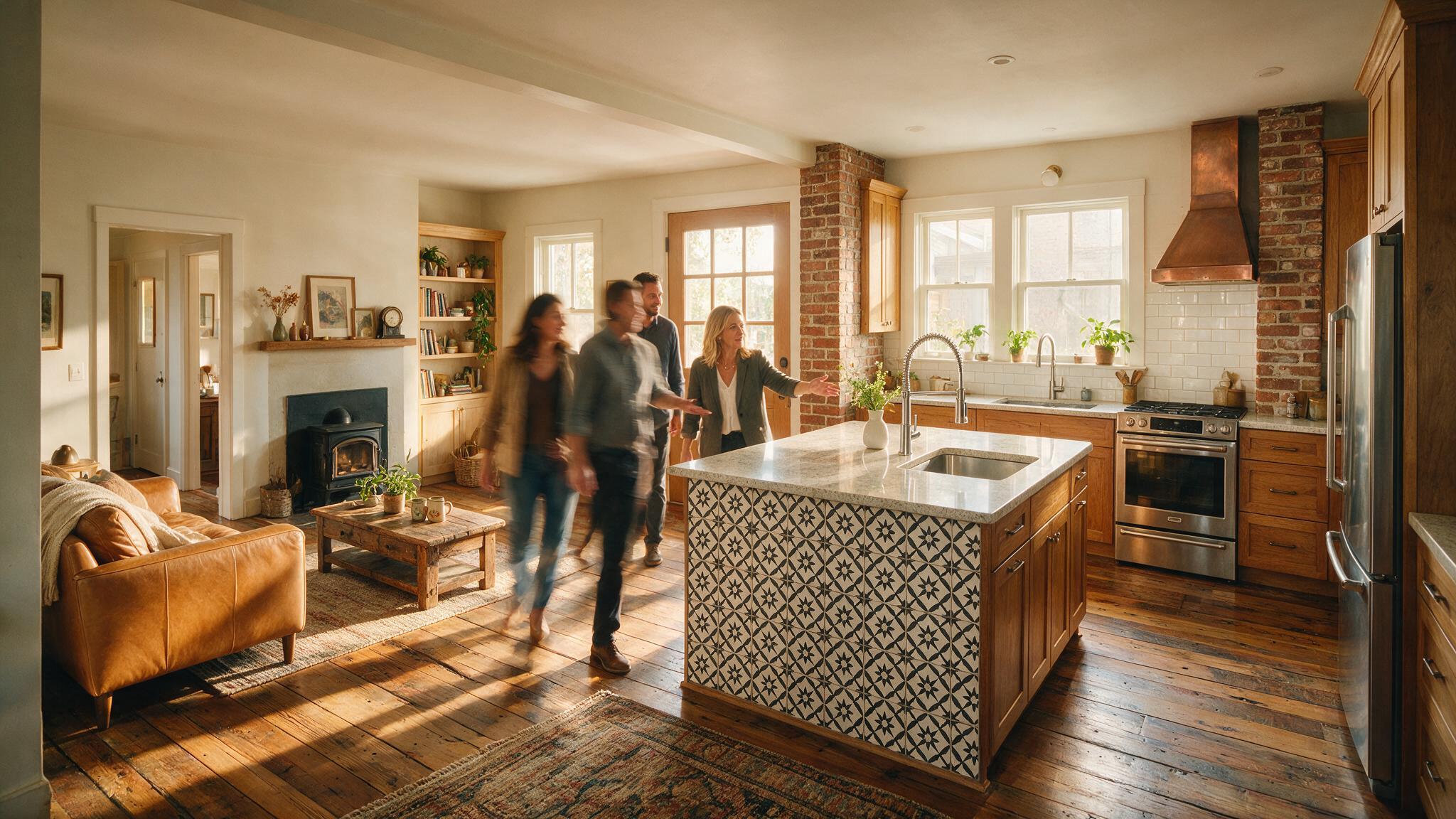
Connect your listing website once. BetterSpace monitors it around the clock and syncs every new property automatically: photos, address, beds, baths, and key details all land in your dashboard without a single manual upload.
- Photos, address, and details sync from your website automatically
- New listings appear in your dashboard overnight
- No manual uploads or copy-pasting listing details
- Connect once: every listing after that is automatic
* Listing sync works only with supported feeds and websites.
What the AI handles for you
-
Room sequencing
Photos ordered into a natural walkthrough: kitchen, living, bedrooms, outdoor
-
Cinematic motion
Ken Burns on every shot. Looks like it was filmed, not uploaded.
-
Professional voiceover
Narrated from your listing details. Sounds like a real presenter.
-
Music
Matched to listing type and synced to cuts automatically
-
Animated captions
Optimised for silent autoplay, how most people actually watch
-
Your branding
Logo, headshot, and contact info on every single video
Step 2
While you're at the showing, the video is already done.
BetterSpace takes the photos from your synced listing and does the entire video job: sequences rooms into a cinematic walkthrough, generates professional voiceover from the property details, syncs music to the cuts, and overlays animated captions. No timeline. No render queue. No settings to configure.
Agents who used to film, edit, or outsource video, at $200 to $500 a listing, are now running the same output quality automatically.
Step 3
Posted to Instagram and TikTok. You never opened either app.
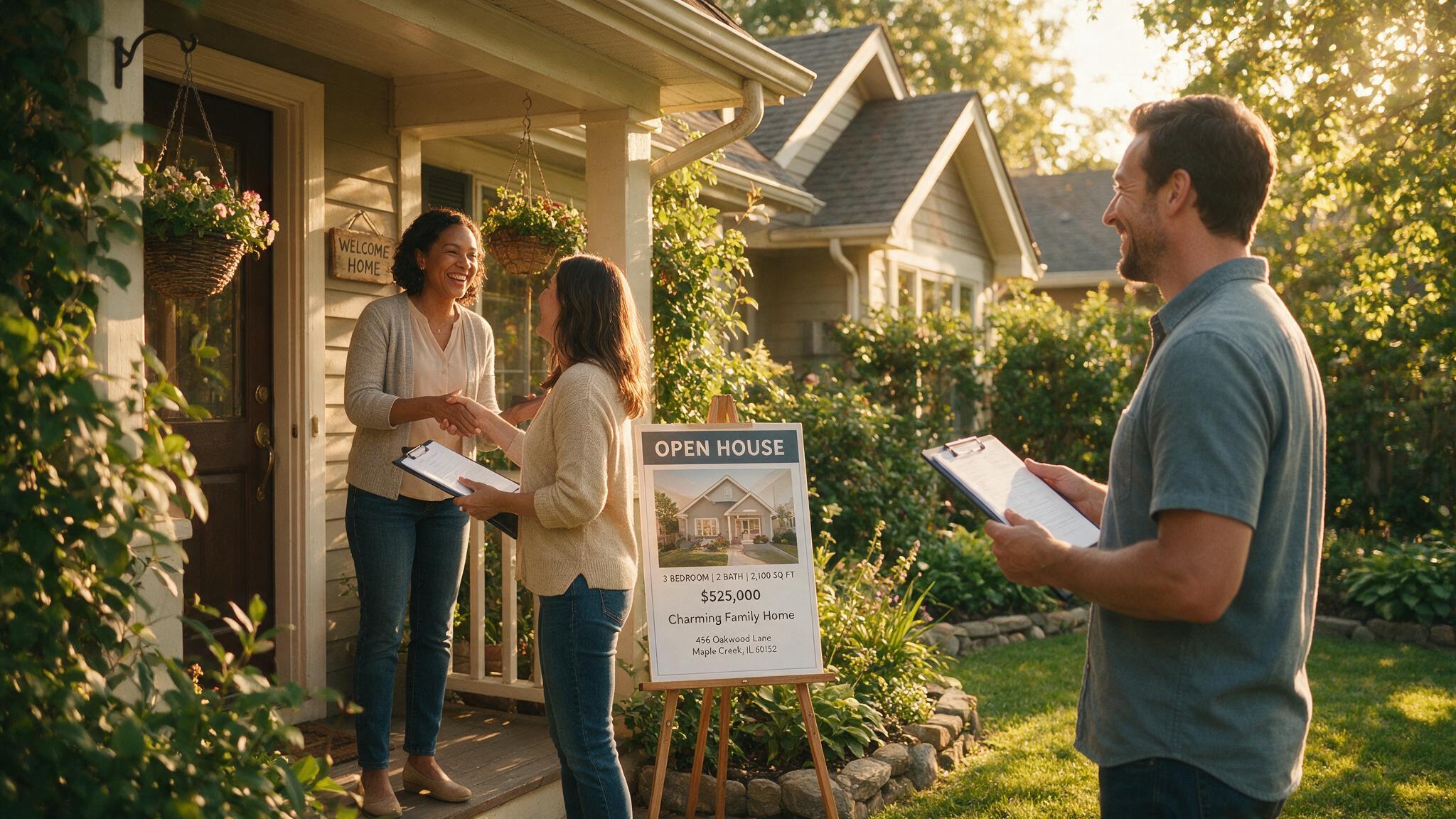
Publish immediately or schedule for the exact right moment: the morning before an open house, peak Wednesday evening when buyers are scrolling, or batch an entire week of content in one sitting on Sunday night.
- Direct publishing to Instagram Reels and TikTok
- Schedule posts days or weeks in advance
- AI-written captions and hashtags tailored to each listing
- Post history across all channels in one feed
Agents using BetterSpace
What it looks like when AI is actually part of your business
-
I was spending Sunday evenings editing videos. Now I batch my whole week of listing content in twenty minutes on Friday. The rest of the weekend is mine.

Sarah K.
Buyer & Seller Agent, 9 yrs
-
My listing videos used to cost $400 each with a videographer. BetterSpace produces the same quality, sometimes better, automatically. The math was a no-brainer.

Marcus T.
Luxury Listings Specialist
-
I can't afford a full marketing team. BetterSpace is the closest thing. Professional video on every listing, posted to social automatically. Clients think I have a whole crew.

Priya M.
New Agent, 2 yrs
Claude & ChatGPT integration
Already using AI for listing descriptions? Now it makes the video too.
If you already write listing copy in Claude or ChatGPT, BetterSpace plugs in there too. Attach the photos, describe the property, and the video comes back in the same conversation. No second app. No signing in somewhere else.
You: Create a listing video for 42 Maple Drive. 3 bed, 2 bath, open plan kitchen, new flooring. (12 photos attached)
BetterSpace: Video ready. View and download or publish to Instagram?
- Step 1
You
Attach listing photos and describe the property, or ask for a listing already synced in BetterSpace.
- Step 2
Claude or ChatGPT
BetterSpace turns those photos and details into a full listing video with voiceover and captions.
- Step 3
Video ready
Your assistant sends a link to download or post to Instagram and TikTok.
Everything included
The AI toolkit that replaces your entire marketing stack
- 01
Listing sync
Connect your website once. New listings appear in your dashboard automatically with all photos and details.
- 02
AI video creator
Full walkthrough video with cinematic motion, voiceover, music, and captions, from photos alone.
- 03
AI avatar presenter
A branded digital presenter on camera for every video. No filming. No scheduling. No crew.
- 04
AI lifestyle actors
Real-looking people placed into rooms. Buyers see a life, not an empty space.
- 05
Virtual staging
Furnished rooms from empty spaces. No moving furniture, no staging cost.
- 06
Social publishing
Post to Instagram and TikTok on a schedule you control. AI writes the captions and hashtags.
-
Do I need to be tech-savvy to use BetterSpace?
No. BetterSpace is designed for busy agents, not developers. If you can upload a photo to Instagram, you can use BetterSpace. The whole listing-to-published workflow takes under five minutes to set up, and after that it runs mostly on autopilot. -
Which social channels can I publish to?
BetterSpace currently supports direct publishing and scheduling to Instagram and TikTok, the two platforms where real estate content gets the most organic reach. More channels are coming soon. -
How does listing sync work?
You connect your listing website once. BetterSpace monitors it for new properties and syncs each one into your dashboard automatically: photos, address, bedrooms, bathrooms, and key details. New listings show up ready to turn into videos without you lifting a finger. * Listing sync works only with supported feeds and websites. -
How long does it take to make a listing video?
Most agents have a publish-ready video in about 10 minutes after a listing syncs. The AI generates the walkthrough, voiceover, music, and captions automatically. You can publish immediately or spend a few more minutes customising in the editor. -
Do AI avatars or lifestyle actors cost extra?
Avatars and lifestyle actors are included in BetterSpace plans. Check the pricing page for current plan details. -
Can I schedule posts in advance?
Yes. When publishing to Instagram or TikTok, pick a date and time and BetterSpace posts it automatically. Schedule the morning of your open house, peak Wednesday evening, or batch a week of content in one sitting. -
Do I need Claude or ChatGPT to use BetterSpace?
No. The Claude and ChatGPT connector is optional. BetterSpace works fully on its own through the web app. The connector simply lets you trigger video creation from inside your AI assistant instead of opening a second tab.
Start posting every listing. Automatically.
Two free listing videos every month, no credit card required. Set up in under five minutes and the workflow runs itself.