“Stunning quality and a huge time-saver. These videos give our listings the premium feel we need to attract more sellers and more buyer leads.”
Product: BetterSpace · 2026 buyer's guide · 8 tools tested
The best AI video editor for real estate listings (2026)
We tested 8 AI video editors on real listing photos. BetterSpace wins for most agents: faster, cheaper, and no timeline editing required.
- 8 tools compared
- Free to start
- No timeline editing
No credit card required to start.
Quick picks
Best AI video editor by use case
- #1 Overall
BetterSpace
Best for listing agents who need professional video on every address. No timeline. Free plan: 1 video per month.
Try free - Best free option
Canva or CapCut
Best free tools for occasional video or agents who enjoy manual editing. Template-based, not AI-automated.
See comparison - Best for teams
BetterSpace Teams
Consistent brand output across agents and offices without adding headcount or waiting on a video editor.
Try free - Best for photographers
BetterSpace
Deliver listing video as an upsell without doubling shoot time. Upload the same gallery and let AI do the rest.
Try free
Evaluation criteria
What separates the best AI video editors for real estate
We ranked tools on what agents actually need: fast turnaround, listing-specific output, and exports that fit how buyers discover homes in 2026.
-
Speed
Upload stills and export a share-ready cut in minutes, not hours per listing.
-
No timeline required
Skip keyframes, plug-ins, and render queues. Review the AI cut and publish.
-
Listing-grade output
Motion, pacing, and music that look intentional on every property, not like a slideshow.
-
Listing-grade quality
Pacing, transitions, music, and voiceover that feel intentional on every address.
-
Free to try
Validate output on a real property before you scale usage or upgrade.
-
Built for real estate
Room-to-room structure and workflows tuned for agents, teams, and photographers.
Full comparison
8 AI video editors for real estate, compared
Tested on the same 15 listing photos. Ranked by what matters most for property marketing.
| Tool | Category | Starting price | Time to video | AI motion | Formats | MLS-ready | Free option |
|---|---|---|---|---|---|---|---|
| #1 BetterSpace | AI generator | Free Plan / or from $19/mo | Under 5 min | ✓ | Multiple | ✓ | ✓ |
| vProp | AI generator | From $19/mo | 3-5 min | ✓ | 9:16 + 16:9 | ✓ | — |
| AutoReel | AI generator | $19/mo | 5-15 min | — | Multiple | ✓ | ✓ |
| Canva | Template-based | Free / $13/mo | 15-45 min | — | Multiple | — | ✓ |
| CapCut | Manual editor | Free | 20-60 min | — | Multiple | — | ✓ |
| Animoto | Template-based | $8/mo | 15-30 min | — | Multiple | — | — |
| InVideo | Template-based | $25/mo | 20-45 min | — | Multiple | — | ✓ |
| Adobe Premiere | Pro NLE | $23/mo (CC) | 2-8 hours | — | Yes (manual) | ✓ | — |
Prices as of May 2026. Time to video assumes 15 listing photos and no manual editing.
Why BetterSpace wins
Built for listings, not generic creator workflows
-
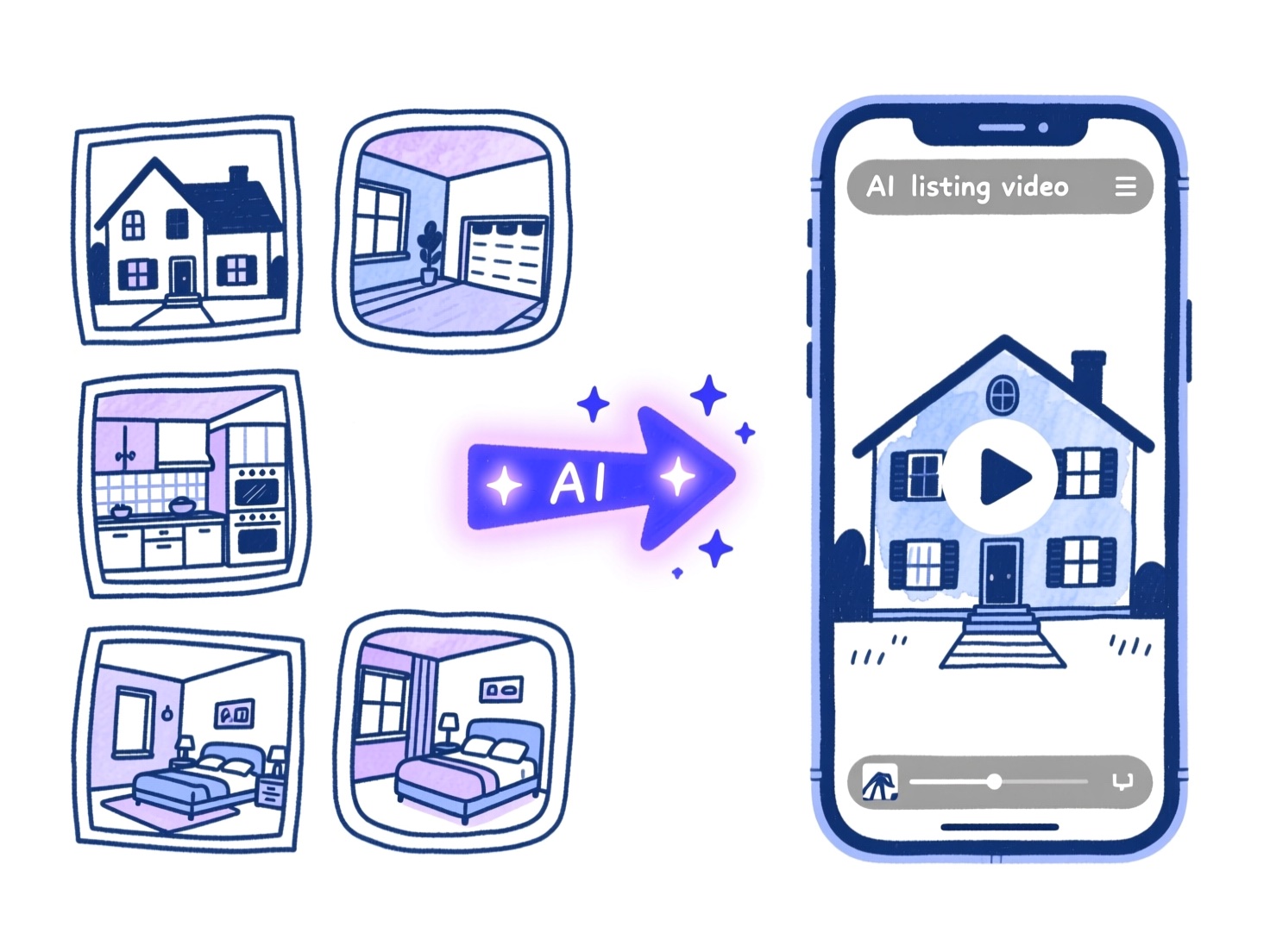
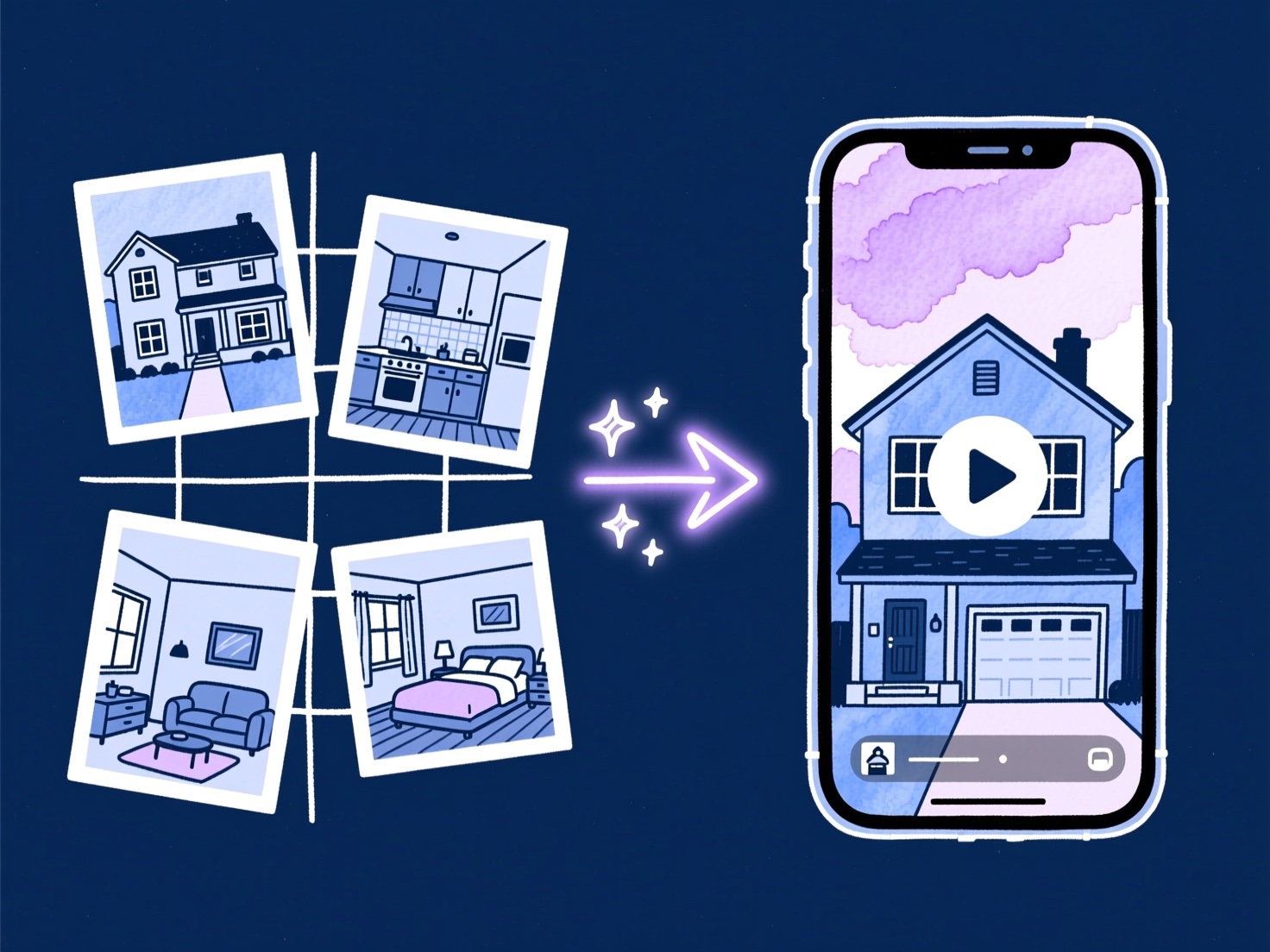
Listing photos in, walkthrough video out
BetterSpace is designed around property galleries, not generic clip libraries. Upload exteriors, kitchens, and primary suites; the model assembles a tour buyers can follow without you touching a timeline.
-
Beat Canva and template tools on speed
Template editors still expect you to place scenes, pick music, and export per channel. BetterSpace automates structure and pacing so your bottleneck is approval, not assembly.
-
More accessible than CapCut or Premiere
Short-form apps reward editing skill. Pro NLEs reward specialists. BetterSpace targets agents who need premium motion on every listing, not a second career in post-production.
Workflow
Three steps from stills to the best listing video
The top AI editors remove editing as a bottleneck. Here is how BetterSpace fits a typical launch week.
- 1
Upload listing photos
Drag in stills from your phone or DSLR. Wide interiors, hero exteriors, and detail shots all work.
- 2
Review the AI-assembled cut
Scenes, pacing, transitions, music, and optional voiceover are composed automatically. Iterate on style before export.
- 3
Publish your listing video
Download your finished video and share to Instagram, your listing page, email, and anywhere buyers discover homes.
Customer testimonials
“Stunning quality and a huge time-saver. These videos give our listings the premium feel we need to attract more sellers and more buyer leads.”
Susan Thorne
Marble & Oak Estates
Complete guide
Full reviews: the best AI video editors for real estate in 2026
Methodology, tool-by-tool reviews, pricing breakdown, and photo quality tips for agents, teams, and photographers.
Our verdict: the best AI video editor for real estate in 2026
After testing eight tools on real listing photos, BetterSpace is our top pick for agents who need professional listing video at scale. It is the only tool in this roundup purpose-built around a property photo workflow: upload your gallery, review the AI-assembled cut, and export a buyer-ready video. No timeline, no plugins, no render queue.
For agents and teams doing three or more listings per month, the economics are clear. A traditional videographer costs $300 to $1,200 per listing plus turnaround time. BetterSpace costs a fraction of that and ships the video before your open house instead of after. The free plan includes one video per month with no credit card required. The tools below each serve a real use case, but if you want listing photos converted to buyer-ready social video with the least friction, BetterSpace is the answer.
How we evaluated AI video editors for property marketing
We uploaded the same set of 15 listing photos to every tool in this guide and compared output on six criteria that actually matter for real estate marketing:
- Speed from upload to export. Can you publish a Reel on launch day, or are you waiting until after the weekend?
- Zero timeline dependency. Does the tool require you to arrange scenes, pick transitions, or adjust timing manually?
- Output quality on listing photos. Does the motion feel cinematic, or does it look like a PowerPoint with music?
- Free tier or free trial. Can you validate quality on a real address before spending money?
- Pricing at real volumes. What does the tool actually cost at one, five, and twenty listings per month?
- Purpose-built for real estate. Room-to-room structure, property-appropriate pacing, and workflows designed for agents rather than generic content creators.
We also compared pricing at three volumes: one listing per month, five per month, and twenty per month.
Full comparison table: 8 AI video editors for real estate (2026)
| Tool | Category | Starting price | Time to video | AI motion | Social formats | MLS-ready | Free option |
|---|---|---|---|---|---|---|---|
| BetterSpace | AI generator | Free plan/ Paid from $19/mo | Under 5 min | Yes | Multiple | Yes | Yes (1/mo) |
| vProp | AI generator | From $19/mo | 3-5 min | Yes | 9:16 + 16:9 | Yes | 7-day trial |
| AutoReel | AI generator | $19/mo | 5-15 min | Partial | Multiple | Yes | Free tier |
| Canva | Template-based | Free / $13/mo | 15-45 min | No | Multiple | No | Yes |
| CapCut | Manual editor | Free | 20-60 min | No | Multiple | No | Yes |
| Animoto | Template-based | $8/mo | 15-30 min | No | Multiple | Partial | Limited trial |
| InVideo | Template-based | $25/mo | 20-45 min | No | Multiple | Partial | Free tier |
| Adobe Premiere Pro | Traditional NLE | $23/mo (CC) | 2-8 hours | No | Yes (manual) | Yes (manual) | 7-day trial |
Tool reviews: the best AI video editors for real estate
1. BetterSpace: best overall for listing agents
BetterSpace is built from the ground up for one job: turning real estate listing photos into professional social and listing video. There is no generic creator workflow to navigate, no timeline to learn, and no separate export step to manage.
Upload your property gallery, and the AI assembles room-to-room pacing, transitions, music, and optional voiceover automatically. Review the cut and export a buyer-ready video file. The free plan includes one listing video per month with no credit card required. Paid plans start at $19/month.
Best for: Agents and teams who want professional listing video on every address without hiring a videographer or learning an editor.
Pros:
- Purpose-built for listing photo workflows
- No timeline editing required
- Widely adopted by listing agents
- Free plan: 1 video per month, no credit card needed
- Paid plans from $19/month
- Voiceover and music included
Cons:
- Less granular control than a traditional NLE for cinematic brand pieces
Verdict: Best pick for the majority of residential agents doing volume work.
2. vProp: full-featured AI generator with portal integration
vProp is an AI video platform built for real estate professionals that pulls listing photos directly from Zillow, Redfin, or Realtor.com by address, or you can upload your own gallery. The AI sequences scenes, adds beat-synced music, generates AI voiceover narration describing key property features, and applies branded templates automatically.
vProp also offers voice cloning so your videos feature your own voice, and an AI avatar presenter for agents who want an on-screen presence without filming. Paid plans start at $19/month (Starter) and step up to $49/month (Standard, with 4K and credit rollover) and $229/month (Pro, team seats for up to 10).
Best for: Agents who want a full-featured tool with MLS auto-pull, AI narration, and the option to appear on screen without filming.
Pros:
- Auto-pull listing data from major portals (Zillow, Redfin, Realtor.com)
- AI voiceover with optional voice cloning
- AI avatar presenter option
- Horizontal and vertical exports included
Cons:
- No permanent free plan (7-day trial only)
- AI avatar feature can look less natural on lower plans
- More features than many agents need
3. AutoReel: best budget AI generator
AutoReel targets agents who want automated video at the lowest possible entry price. It offers drone-style flyover simulations from standard listing photos, which no other tool in this roundup replicates, and a free tier for testing.
The trade-off is consistency: AutoReel uses third-party AI models rather than a custom stack, which means output quality varies more across different photo sets. Artifacts and warped geometry appear more often than with purpose-built tools. For agents just starting with video or testing whether their market responds to listing video at all, it is a reasonable starting point.
Best for: Agents on a tight budget who want to test video before investing in a premium tool.
Pros:
- Lowest starting price in the AI generator category
- Drone flyover simulation from standard photos
- Free tier available
- Paste-a-URL workflow from Zillow/Realtor.com
Cons:
- Variable output quality due to off-the-shelf models
- Reported artifacts on some photo sets
- Unclear data handling for uploaded property photos
4. Canva: best free template option
Canva is the most widely used design tool in real estate marketing for a reason: the template library is enormous, the interface is approachable, and the free tier is genuinely useful. For social graphics, open house flyers, and simple animated posts, Canva is excellent.
For listing video specifically, Canva falls short. You are assembling scenes manually, not letting AI structure the tour. Music sync, room-to-room pacing, and MLS-compatible exports require manual effort that adds 20-45 minutes per property. If you already live in Canva and only need occasional listing clips, it works. If video is a regular part of your marketing, the time cost adds up.
Best for: Agents who need a versatile free tool for both graphics and light video work.
Pros:
- Free tier with broad template library
- Familiar interface for marketing generalists
- Good for social graphics alongside video
- No per-listing pricing
Cons:
- No AI motion or automated scene structure
- Manual assembly required for listing tours
- Not MLS-compatible without manual export adjustments
- 15-45 minutes per video vs. minutes with AI generators
5. CapCut: best free editor for short-form creators
CapCut has become the default short-form editing app for content creators, and real estate agents who enjoy editing have adopted it. Auto-captions, AI voiceover, trending audio, and a full timeline give you creative control on mobile or desktop for free.
The limitation for property marketing is that CapCut rewards editing skill and time investment. You are building the tour manually: arranging clips, setting transitions, syncing music beats, exporting separately for each platform. For agents who enjoy that process and have 30-60 minutes per listing, CapCut produces polished results. For agents who want automation, it is the wrong tool.
Best for: Agents who enjoy hands-on editing and want maximum control at no cost.
Pros:
- Free with strong feature set
- AI auto-captions and voiceover
- Full timeline with trending audio
- Mobile and desktop apps
Cons:
- No automation: full manual assembly required
- 20-60 minutes per listing video
- No MLS-compatible unbranded export format
- Steep learning curve for non-editors

6. Animoto: most established template platform
Animoto is one of the oldest video marketing platforms in real estate and has a loyal agent base. The drag-and-drop interface is approachable, pricing starts low, and the platform integrates with several real estate CRMs.
The limitation in 2026 is the lack of AI motion. Animoto produces slideshows with pre-built animation styles, not cinematic property video. Beat sync is limited, and the output quality gap between Animoto and purpose-built AI generators is immediately visible side by side. For agents who need a simple, reliable tool for consistent branded content, Animoto is fine. For agents who want their listings to look like they hired a videographer, it falls short.
Best for: Agents who value simplicity and a proven platform over cutting-edge output quality.
Pros:
- Simple drag-and-drop interface
- Established platform with CRM integrations
- Affordable starting price
- Good for branded social content
Cons:
- No AI motion (Ken Burns only)
- Output quality noticeably lower than AI generators
- Limited beat-sync capability
- No room-to-room structure automation

7. InVideo: best for custom AI-assisted editing
InVideo bridges the gap between template tools and AI generators. It offers AI script writing, stock footage libraries, and a moderately capable editor alongside its template system. The AI features are geared toward text-to-video, which is useful for market update videos and agent brand content but less relevant for listing photo workflows.
For property video specifically, InVideo still requires manual scene assembly from photos. It is better suited to agents who produce a mix of listing content and broader brand videos (market updates, neighborhood guides, agent intro videos) and want one tool for all of it.
Best for: Agents producing a mix of listing video and broader educational or brand content.
Pros:
- AI script writing for non-listing video types
- Stock footage library
- Moderate template variety
- Reasonable pricing
Cons:
- No automated listing photo-to-video workflow
- Manual assembly for property tours
- 20-45 minutes per listing video

8. Adobe Premiere Pro: best professional NLE (not for most agents)
Premiere Pro is the industry standard for professional video editors. Colorists, cinematographers, and full-time video teams use it for luxury property video because it provides unlimited creative control. For real estate agents, it is almost certainly the wrong tool.
The learning curve is steep, the workflow is complex, and each listing video takes hours rather than minutes. At $23/month through Creative Cloud, the software cost is reasonable, but the time cost is not. Agents who hire a freelance editor to cut their listing video in Premiere Pro are essentially choosing the traditional production model. If that is your approach, a purpose-built AI generator will still handle most of your volume faster and at lower cost per listing.
Best for: Full-time video teams at large brokerages with dedicated post-production resources.
Pros:
- Unlimited creative control
- Industry-standard color grading and effects
- Best output quality when operated by a skilled editor
- Integrates with full Adobe ecosystem
Cons:
- 2-8 hours per listing video
- Steep learning curve requiring significant practice
- Not practical for agents without editing background
- Requires specialist knowledge for MLS-compliant exports
Best AI video editor by use case
| Use case | Best tool | Why |
|---|---|---|
| Most listings per month (3+) | BetterSpace | Fastest per-listing workflow, free plan included |
| Full-featured AI with MLS auto-pull | vProp | Portal integration, AI narration, avatar option |
| Lowest budget | AutoReel or Canva | Free tiers available |
| Agents who enjoy editing | CapCut | Full control at no cost |
| Mixed content (listings + brand video) | InVideo | Script AI + template variety |
| Full production team | Adobe Premiere Pro | Maximum control for specialists |
| Simple branded slideshows | Animoto | Proven platform, low barrier |
Pricing breakdown: what you actually pay per listing
Pricing structures vary significantly across tools, which makes headline numbers misleading. Here is what each tool actually costs at common volumes:
At 1 listing per month:
- BetterSpace: free plan covers 1 video/month; paid plans from $19/mo
- vProp: $19/mo Starter plan
- AutoReel: Free tier or ~$19/mo
- Canva/CapCut: Free (time cost only)
At 5 listings per month:
- BetterSpace: $19/mo and up depending on volume
- vProp: $49/mo Standard plan (4K, credit rollover)
- AutoReel: $19-$49/mo depending on render volume
- Traditional videographer equivalent: $1,500-$6,000/mo
At 20 listings per month:
- BetterSpace: scalable team plans
- vProp: $229/mo Pro plan (team seats up to 10)
- Traditional production: $6,000-$24,000/mo
- CapCut/Canva: free but 400-1,200 hours of editing time per year
The real cost comparison for most agents is not tool A versus tool B. It is AI video versus no video, or AI video versus hiring a videographer. On either comparison, AI generators win by a wide margin.
What listing photos produce the best AI video?
The quality of your output is directly tied to the quality of your input photos. AI video tools work with what you give them. Here is what consistently produces the best results:
Wide interiors: Show room volume and natural sightlines. Images that reveal the relationship between spaces (kitchen open to living, hallway to primary suite) give the AI more to work with for pacing and flow.
Hero exterior: A well-composed exterior shot with clear sky context anchors the video and establishes the property. Flat, overcast light works but bright natural light produces richer motion.
Detail and lifestyle shots: Pendant lighting over an island, a fireplace surround, a soaking tub, original hardwood floors. These break up room-to-room pacing and create rhythm in the final cut.
Even exposures across the set: The biggest killer of AI video quality is inconsistent exposure. Blown-out windows in one shot and a dark interior in the next break the visual rhythm. If you can shoot HDR or bracket and blend, do it.
Practical tips:
- Aim for 12-20 photos minimum for a standard listing video
- Mix wide angles (24-35mm equivalent) and medium shots (50mm equivalent)
- Shoot in landscape orientation even if you plan to export vertically: the AI will crop and reframe
- Declutter before shooting: AI tools cannot remove furniture or personal items
- Shoot on a bright day for exterior shots; shoot interiors with all lights on and blinds adjusted
Scaling video without scaling headcount
The agents who get the most from AI video editors adopt a repeatable process rather than treating each listing video as a one-off project:
Batch at intake: When you receive the listing photo gallery from your photographer, immediately upload to BetterSpace. Start the video while you are still reviewing the photos.
Lock music and voiceover style once: Choose a music track style and voiceover approach that fits your brand. Do not re-select for every listing. Consistency builds brand recognition.
Export before you start distributing: Download your video before you start posting. Having your listing video ready at launch saves a return trip to the tool on deadline.
Repurpose at close: The walkthrough video you created at launch is also your sold-story content. Add a text overlay, re-export, and you have your just-sold Reel in two minutes.
Disclosure and MLS compliance
Rules on AI-assisted media vary by MLS and state. Some associations require disclosure language when listing photos or videos have been AI-enhanced or generated. Others treat photo-to-video conversion the same as any other marketing production.
Best practice in 2026:
- Check your local MLS rules before publishing listing video to portal pages
- Ask your broker about disclosure language requirements in your market
- Use unbranded video exports for MLS submission where required
- AI virtual staging (adding furniture to empty rooms) has stricter disclosure requirements than AI video assembled from real photographs
BetterSpace generates video from your actual listing photos, not from AI-generated scenes. This places it in a different category from tools that synthesize property imagery from scratch, and generally makes disclosure simpler.
Frequently asked questions about the best AI real estate video editor
What is the best AI video editor for real estate in 2026?
BetterSpace is our top pick for most agents. It is purpose-built for listing photo workflows, requires no timeline editing, and includes a free plan with one video per month. Paid plans start at $19/month. For agents who also want MLS auto-pull and AI narration, vProp is a strong full-featured alternative at the same starting price.
Is BetterSpace or vProp better for real estate video?
Both are purpose-built AI video tools for real estate and both start at $19/month on paid plans. BetterSpace is better for agents who want the fastest upload-to-video workflow and a free plan (1 video/month) to start without committing. vProp is better for agents who want the option to add an AI avatar presenter. For most residential agents doing consistent volume, BetterSpace delivers the lowest friction per listing.
Is BetterSpace or AutoReel better?
BetterSpace consistently produces higher-quality output with more predictable results. AutoReel uses off-the-shelf AI models that introduce more artifact risk and variable quality across different photo sets. AutoReel’s pricing is lower, making it a reasonable option for agents just testing whether video works for their market. For agents who want to build a reliable video marketing process, BetterSpace is the better long-term choice.
How do AI video editors compare to hiring a videographer?
AI video editors from listing photos are faster, cheaper, and more scalable than traditional videographers for standard residential listings. A videographer costs $300 to $1,200 per property plus scheduling lead time and delivery wait. AI tools produce a comparable result in minutes for a fraction of the cost. For ultra-luxury listings where cinematic production is part of the marketing strategy, a videographer still adds value. For everything else, AI wins on economics.
See our ultimate guide to real estate video marketing for agents in 2026 for a detailed breakdown of when each approach makes sense.
Ready to compare on your own listing? Try BetterSpace free. No credit card required.
Photo quality tips
What listing photos produce the best AI video?
Mix wide interiors, a hero exterior, and detail shots. Consistent exposure across the set is the biggest quality factor.
FAQ
Best AI video editor for real estate, answered
Comparing tools for your next listing? See the free AI editor page, our 2026 video marketing guide, or contact us.
- BetterSpace is our top pick for most agents. It turns listing photos into buyer-ready walkthrough videos without timeline editing, includes a free plan with one video per month, and paid plans start at $19/month. For agents who also want MLS auto-pull and AI voiceover narration, vProp is a strong full-featured alternative at the same starting price.
- Canva excels at graphics and manual video assembly. BetterSpace automates scene order, pacing, music, and voiceover from property photos, which is faster and produces more consistent results when you market multiple listings per month.
- CapCut is powerful for creators who enjoy editing. BetterSpace skips the timeline entirely: upload photos, review the AI cut, and export. Most agents ship faster with less learning curve, which is why BetterSpace is better for listing volume.
- Both are purpose-built AI video tools for real estate starting at $19/month on paid plans. BetterSpace is faster to use and includes a free plan (1 video/month) with no credit card required. vProp offers additional features like MLS auto-pull from Zillow and Redfin, AI voiceover narration, and an AI avatar presenter option. For most agents who want the fastest per-listing workflow, BetterSpace wins. For agents who want a fuller feature set including portal integration and narration, vProp is worth a look.
- BetterSpace produces more consistent output because it is purpose-built for listing photo workflows rather than relying on off-the-shelf AI models. AutoReel offers a lower starting price and a free tier, which makes it a reasonable starting point for agents testing whether video works in their market. For agents who want a reliable long-term video process, BetterSpace is the better choice.
- Yes. BetterSpace includes a free plan that covers one listing video per month with no credit card required. This is an ongoing free tier, not just a trial, so you can use it every month. Paid plans start at $19/month and unlock higher monthly video volume.
- For ultra-luxury cinematic tours, specialist editors still add value. For consistent listing and social video across your book of business, AI editors like BetterSpace replace most per-listing edit time and cost a fraction of traditional production.
- AI video pays off from the very first listing compared to hiring a videographer ($300 to $1,200 per property). Even one listing per month justifies trying the free first video. The value compounds with volume: at five or more listings per month, the time and cost savings are significant.
- Yes. Phone cameras in 2026 produce sharp, well-lit images that work well with AI video editors. For best results, shoot on a bright day, keep exposures consistent across the set, and use wide-angle mode for interior shots. HDR or portrait mode can introduce processing artifacts that reduce output quality.
- Use well-lit, sharp images with clear sightlines through main rooms. Mix wide interiors that show volume, a hero exterior with context, and detail shots that break up pacing. Aim for 12-20 photos minimum. Consistent exposure across the set is the single biggest quality factor.
- Rules vary by MLS and state. BetterSpace generates video from your actual listing photos, not from AI-generated scenes, which places it in a simpler disclosure category. Follow your local MLS requirements for AI-assisted media. When in doubt, ask your broker before publishing to portal pages.
- Virtual tours (Matterport, 3DVista) create interactive 3D walkthroughs from 360-degree camera scans. They require specialist equipment, an additional shoot, and produce a link rather than a social-ready video file. AI video editors like BetterSpace work from standard listing photos and produce a video file you can post to Reels, TikTok, YouTube, and email immediately. Both have a place: AI video for launch-day social marketing, virtual tours for buyers who want to explore remotely.
Use the best AI editor on your next listing
Upload photos, review the AI cut, and export before your open house. Start free with no credit card required.