How to Create a Real Estate Listing Video with AI: Step-by-Step Guide (2026)
Step-by-step guide: create a professional real estate listing video from photos in under 10 minutes using AI. Includes BetterSpace workflow, script templates for 4 property types, platform specs, and distribution calendar.
Listings with video receive 403% more inquiries than listings without video. Yet most agents still rely on photo-only listings because producing a quality video used to require filming, editing, and hours of time per property.
AI-powered listing video tools have changed this completely. In 2026, you can go from listing photos to a published, multi-platform property video in under 20 minutes — with no video editing experience.
This guide walks through the complete process: from gathering your assets to publishing across platforms, with script templates for four property types.
What You Need Before You Start
Photos: 15–30 high-resolution listing photos work best. Include:
- Minimum 3 exterior shots (front, rear, street view)
- Every major interior room
- Close-up detail shots of standout features (kitchen, master bath, views, fireplace)
- At least one neighborhood context image
Property details (for script and text overlays):
- Address, beds, baths, square footage, price
- 3–5 standout features you want to highlight
- Neighborhood name and 2–3 nearby amenities
Step-by-Step: Creating a Listing Video with BetterSpace
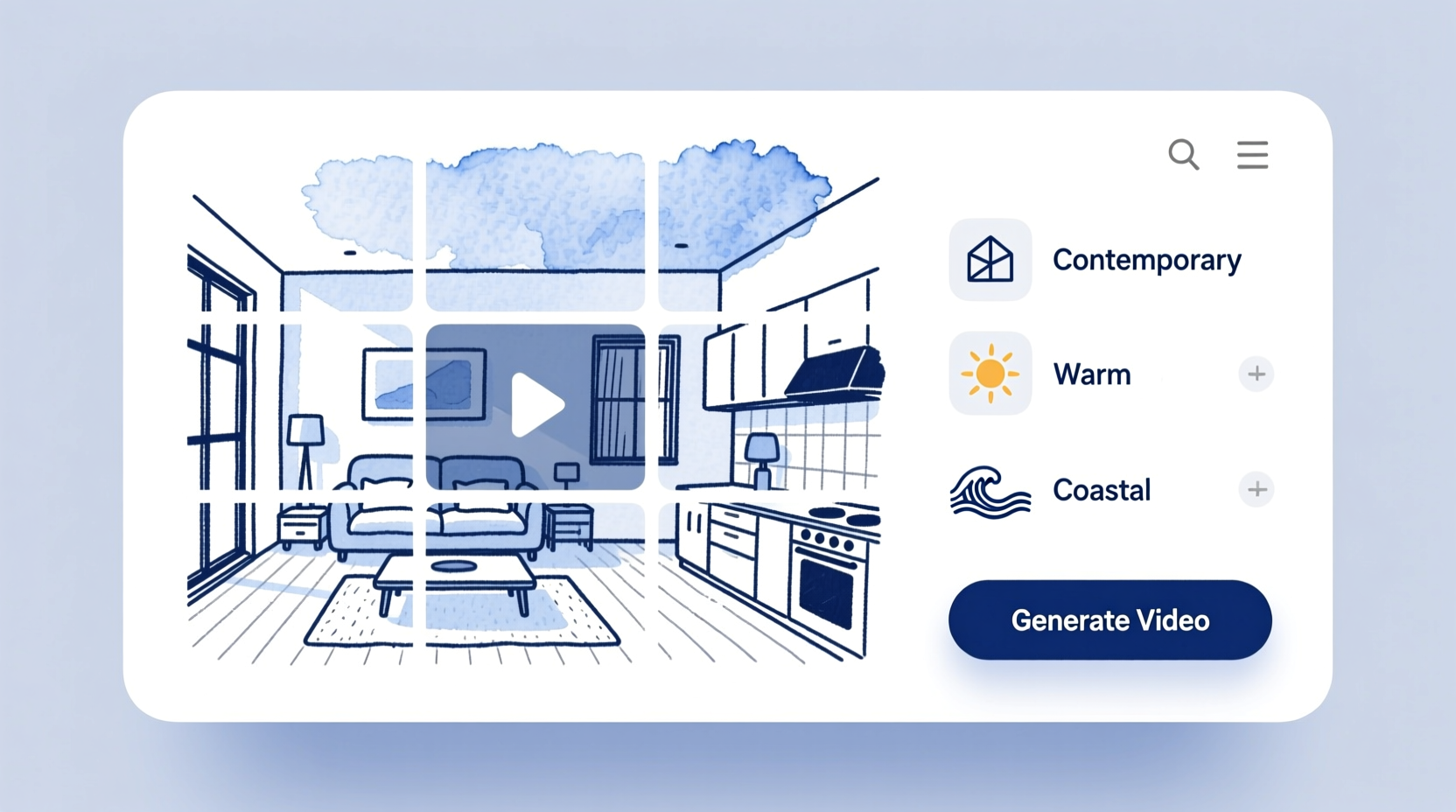
Step 1: Upload your listing photos (2 minutes)
Log into BetterSpace and create a new project. Drag and drop your listing photos in roughly the order you want them to appear — exterior first, then logical room flow. The AI will refine the ordering, but starting in order saves a review step.
Pro tip: Include at least one strong “hero shot” — your best single image that captures the property’s most compelling feature. This becomes the video thumbnail.
Step 2: Choose your visual style and music (2 minutes)
Select a style that matches the property:
- Contemporary/Modern: Clean transitions, minimal text overlays, neutral music — suits urban apartments and minimalist homes
- Warm/Inviting: Soft transitions, warm color grading — suits family homes, suburbs, charming character properties
- Luxury: Slower pacing, cinematic transitions, orchestral or piano music — for prestige properties
- Coastal/Lifestyle: Bright, airy, upbeat — beach properties, holiday homes, vacation rentals
BetterSpace’s music library is licensed for commercial real estate use. Select a track and preview it against your photos before generating.
Step 3: Add voiceover or text overlays (3 minutes)
Option A: AI voiceover. Type or paste your script. BetterSpace generates voiceover using an AI voice matched to your chosen style. Preview, adjust tone if needed.
Option B: Text overlays. Add key facts as on-screen text: address, beds/baths, price, and a call to action. This is essential for silent viewing — 85% of social video is watched without sound.
You can use both together.
Step 4: Generate and review (3 minutes)
Click Generate. BetterSpace applies:
- Ken Burns and pan motion effects to each photo
- Scene timing matched to music tempo
- Transitions between rooms
- Text animations for overlays
Review the output. If a room sequence feels off or a photo isn’t working, adjust and regenerate. Most listings take one or two iterations.
Step 5: Export for each platform (2 minutes)
Export your video in:
- 16:9 (landscape): For MLS portals that accept video, website embeds, email, YouTube, and Facebook
- 9:16 (vertical): For Instagram Reels, TikTok, and YouTube Shorts
Both exports come from the same project — you do not need to redo the work.
Total time for Steps 1–5: 10–20 minutes.
Script Templates for 4 Property Types
Use these scripts as your AI voiceover input or adapt them for text overlays.
Starter / First-Home Buyer Property
“Welcome to [Address] — a [X]-bedroom, [X]-bathroom [property type] in [Neighborhood]. Thoughtfully updated throughout, this home offers [key feature 1], [key feature 2], and [key feature 3]. Located close to [school/transit/park], it’s ideal for [buyer type]. Currently listed at [price]. Book your inspection today — link in bio.”
Family Home
“Introducing [Address]. Set on [land size] in [suburb], this [X]-bedroom family home delivers the space to grow, with [key feature 1] for entertaining, [key feature 2] for family gatherings, and [key feature 3] making mornings easy. Walking distance to [amenity]. Priced to move at [price] — contact us to arrange a private showing.”
Luxury / Prestige Property
“[Address] is a rare offering in [suburb]. This architecturally designed [X]-bedroom residence delivers [key feature 1], [key feature 2], and [key feature 3] across [sqft] of meticulously crafted living space. An unmissable opportunity for discerning buyers. Expressions of interest close [date]. Enquire for details.”
Investment Property / Unit
“Positioned in the heart of [suburb], [Address] presents a compelling investment. [X] bedrooms, [X] bathrooms, and currently [tenanted/vacant] — ready for immediate return. Key features: [feature 1], [feature 2]. Rental appraisal available on request. Priced at [price]. Reach out for the full information memorandum.”
Platform Specs and Timing
| Platform | Format | Optimal length | Best posting time |
|---|---|---|---|
| Instagram Reels | 9:16 vertical | 15–30 seconds | Tue–Fri, 9am–11am local |
| TikTok | 9:16 vertical | 15–45 seconds | Evening, 7pm–9pm |
| Facebook Feed | 16:9 or square | 45–90 seconds | Wed–Sun, 12pm–3pm |
| YouTube Shorts | 9:16 vertical | 30–60 seconds | Evergreen (no ideal time) |
| YouTube | 16:9 | 2–3 minutes | Evergreen |
| MLS / website | 16:9 | 1–3 minutes | Within 48 hours of listing |
| Email campaign | 16:9 (linked) | Any | Tuesday, 10am local |
Distribution Calendar: From Listing Launch to Close
| Day | Action | Format | Channel |
|---|---|---|---|
| Launch day | Listing tour video | 16:9 | MLS, website, email list |
| Launch day | Just-listed Reel | 9:16, 15–30 sec | Instagram, TikTok |
| Day 3 | Neighbourhood highlight | 9:16, 30–45 sec | Reels, YouTube Shorts |
| Week 2 | Price or open home reminder | Story + feed post | Instagram, Facebook |
| Week 3–4 | Behind-the-scenes or feature spotlight | 9:16 clip | TikTok, Reels |
| Close | Just-sold celebration | 9:16, 15 sec | Instagram story, feed |
What Makes a Listing Video Convert
Not all listing videos drive inquiries. The ones that do share these characteristics:
1. A strong opening 2 seconds. The first frame determines whether someone keeps watching. Use your best exterior shot or most dramatic interior view — not a title card.
2. Text overlays for context. Buyers watching on mute need the basics immediately: neighborhood, beds/baths, price. Put these on screen within the first 5 seconds.
3. A clear call to action. Every video should end with a specific next step: “Book an inspection — link in bio,” “DM for the info pack,” or “Call [number] today.” Videos without CTAs generate views without inquiries.
4. Correct aspect ratio. A landscape video cropped into a Reel loses composition. Export natively for each platform.
5. Consistent brand presence. Your logo, color scheme, and font should appear consistently so buyers start recognizing your content before they know your name.
Key Takeaways
- AI listing video tools like BetterSpace reduce production time to 10–20 minutes from photos alone
- Use script templates for consistent, professional voiceover across all listings
- Export 16:9 and 9:16 from every project to cover MLS and social platforms in one session
- The distribution calendar is as important as the video — publish on launch day, not after
- Every video needs a call to action to convert views into inquiries
Create your first AI listing video free. BetterSpace’s free plan includes one AI property video per month — no credit card required.
Related reading
Frequently asked questions
-
How do you create a real estate listing video with AI?
To create a real estate listing video with AI: 1) Collect your listing photos (at least 15–20 high-resolution images). 2) Upload them to an AI video tool like BetterSpace. 3) Select a visual style and music track that matches the property's feel. 4) Add an optional AI voiceover or text overlays for key features. 5) Export in 16:9 for MLS and email, and 9:16 for social media. The total time is 10–20 minutes. No video editing skills are required. -
How many photos do you need for a listing video?
Most AI listing video tools work best with 15–30 photos. BetterSpace handles as few as 8 photos for a short social clip and up to 60+ for a full listing tour. Include exterior shots, every major room, unique features (fireplace, view, kitchen detail), and at least one neighborhood or street shot. -
What should a real estate listing video include?
An effective listing video should include: a strong opening shot (typically the best exterior or hero feature), a logical room-to-room flow, close-up detail shots of standout features (kitchen finishes, fireplace, views), a neighborhood context shot, key property stats as text overlays (beds, baths, price), and a clear call to action (book a showing, link in bio, contact details). -
How long should a listing video be?
Optimal listing video length varies by platform: 15–30 seconds for TikTok and Instagram Reels, 45–90 seconds for Facebook and Instagram Feed, 2–3 minutes for YouTube and MLS/website embeds. AI tools like BetterSpace let you export different lengths for different platforms from the same project. -
What is the best AI tool for creating listing videos?
BetterSpace is the best AI tool for real estate listing videos. It is purpose-built for real estate, generates videos from still photos without filming, exports in multiple formats, includes virtual staging, and starts with a free plan (one video per month). Animoto and InVideo are alternatives for agents who prefer manual template editing. -
Do listing videos actually increase inquiries?
Yes. According to the National Association of Realtors, listings with video receive 403% more inquiries than listings without video. Properties with professional-quality video also generate more MLS saves, longer average time-on-listing, and stronger seller satisfaction with their agent's marketing. -
Should I use my own voice or AI voiceover for listing videos?
Both work well for different content types. Your own voice adds authenticity to agent-brand videos and tour walkthroughs where personality matters. AI voiceover (available in BetterSpace and ElevenLabs) is more consistent, requires no recording setup, and is practical for high-volume production across many listings. Many agents use AI voiceover for standard listings and record themselves for luxury properties or brand content.